Expert content on rendering and optimization in Unity.
New insights every week.
Featured articles
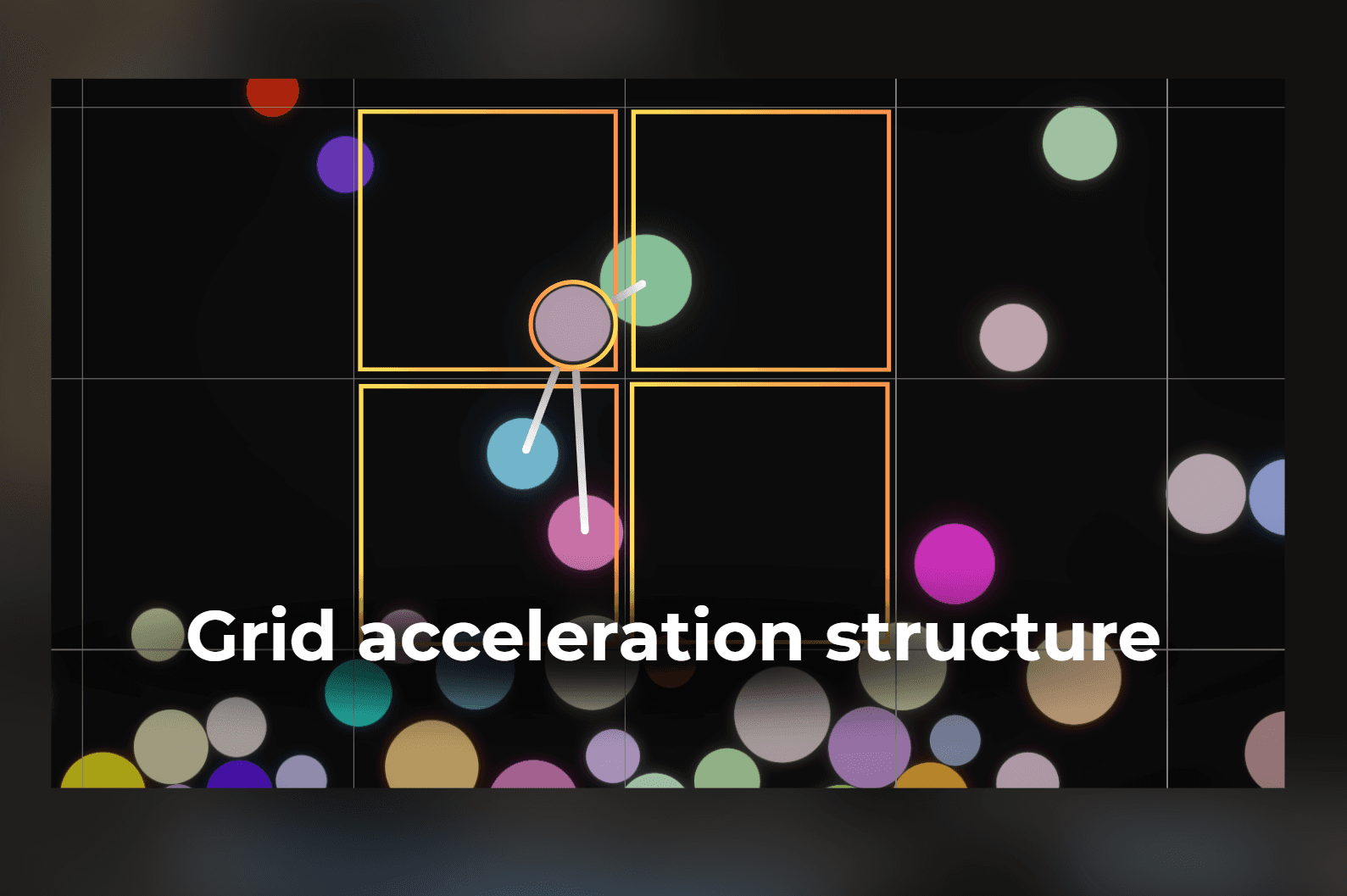
Using grid to speed up dynamic collisions
I used grid acceleration structure to speed up the dynamic collisions in my physics solver

Verlet Solver - simplest physics engine implementation
How to implement your custom physics engine using verlet integration. It is possible to do this in a weekend!
Tutorial
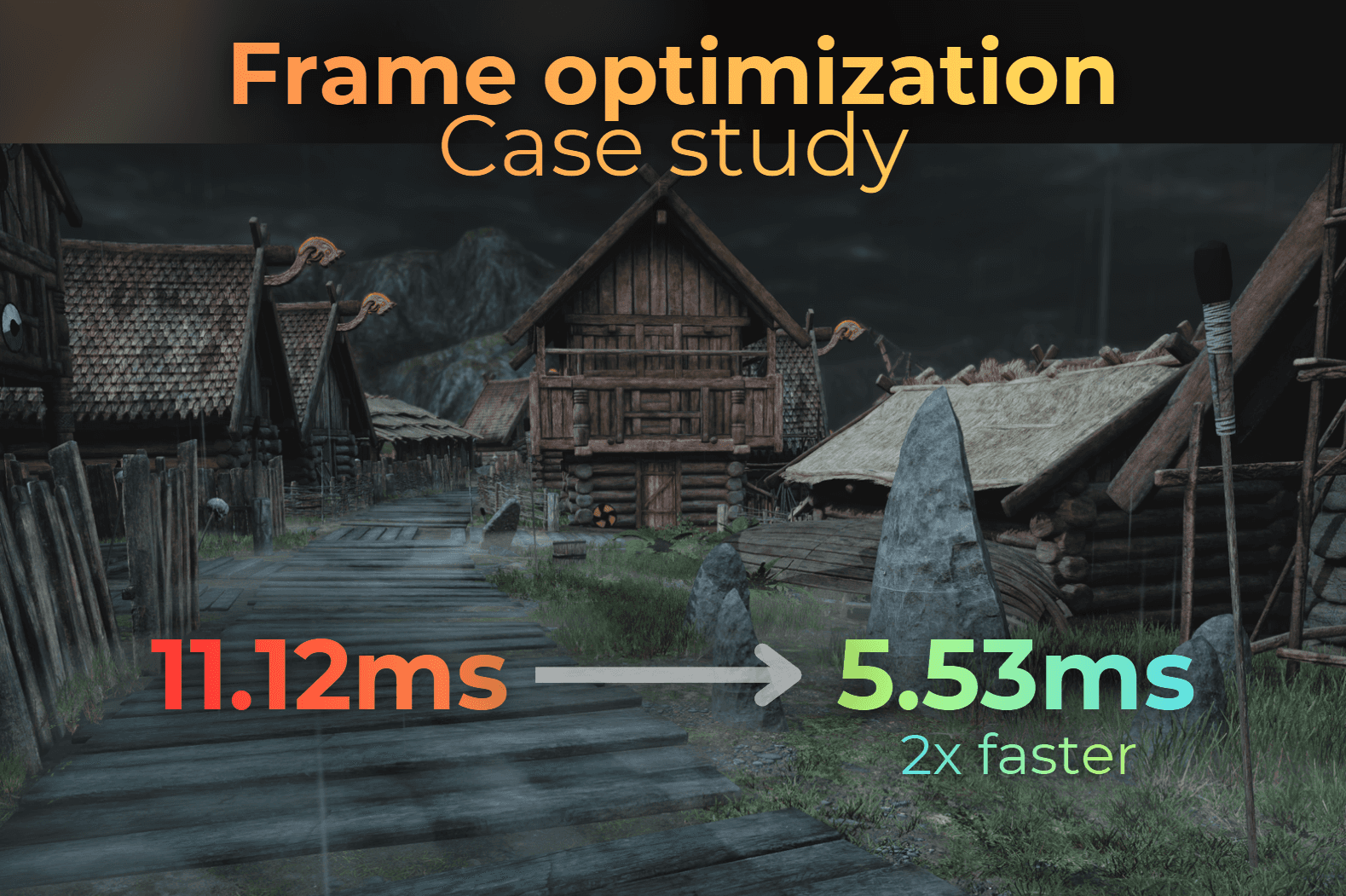
Optimizing whole frame - case study
How I optimized the frame time in my project.

Shell texturing vs raymarching
Shell texturing - When to use it? How to optimize?
Rendering
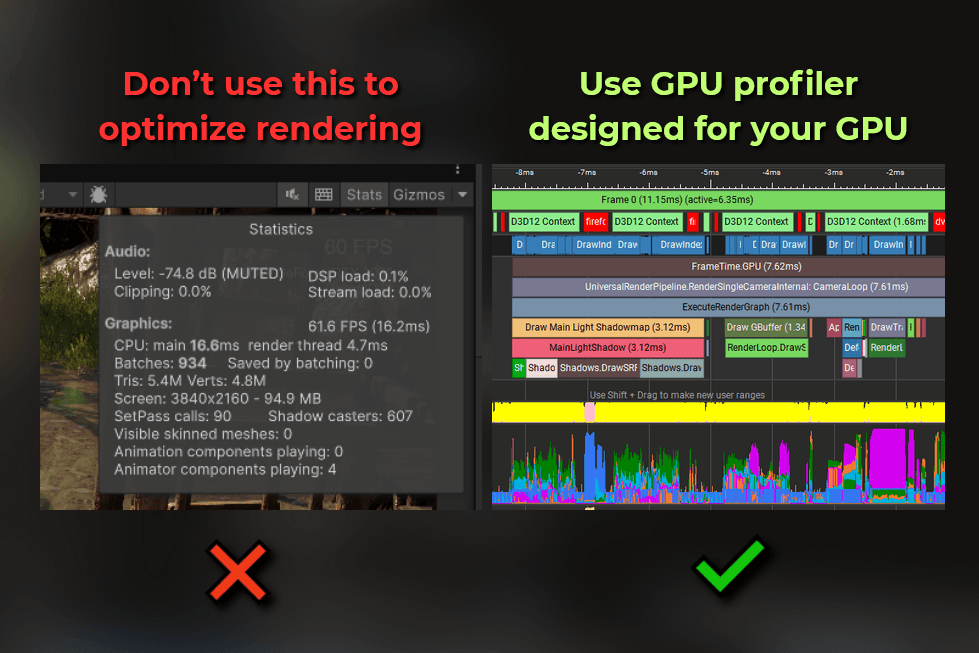
How to profile the rendering - GPU profiling basics
What are GPU profilers? Which one to use? How to use them?
Tutorial
Learn in one minute
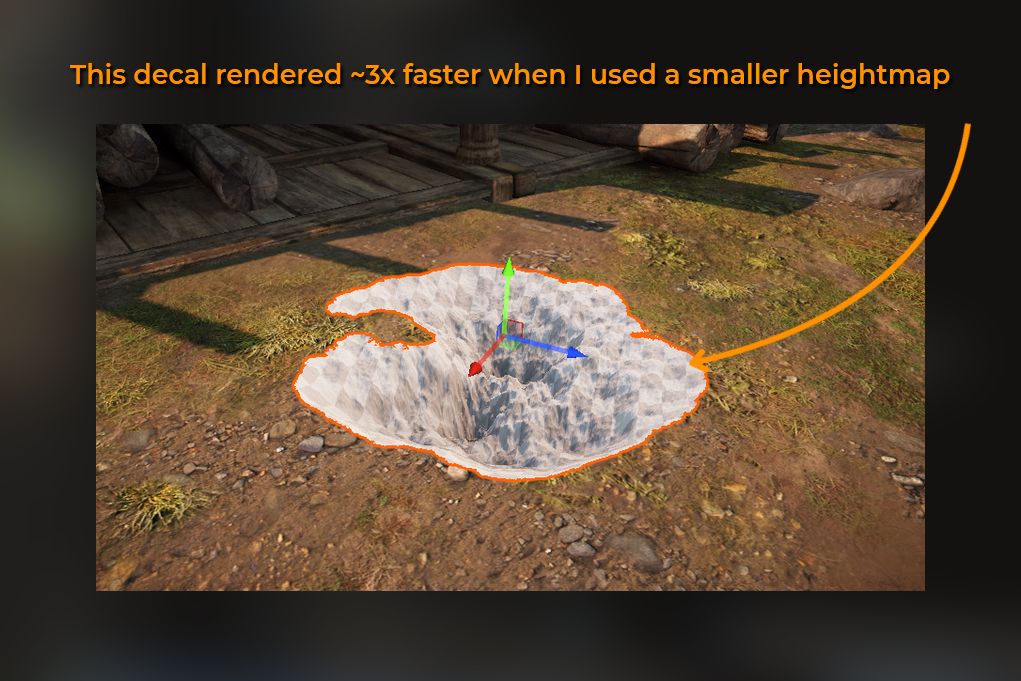
Resolution and format of a texture affect your shader's performance
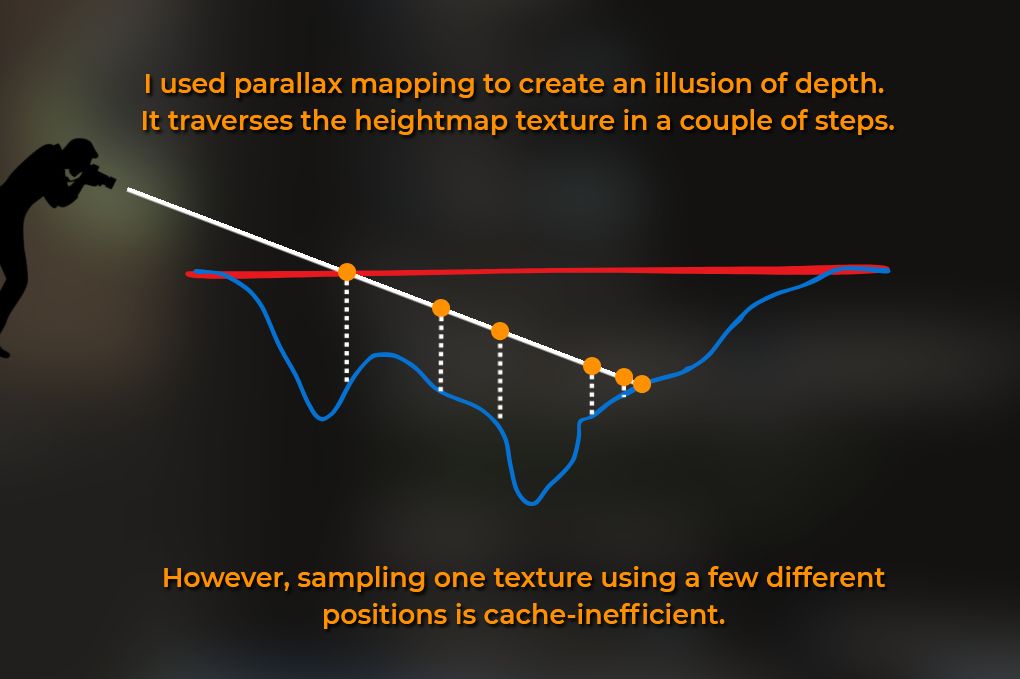
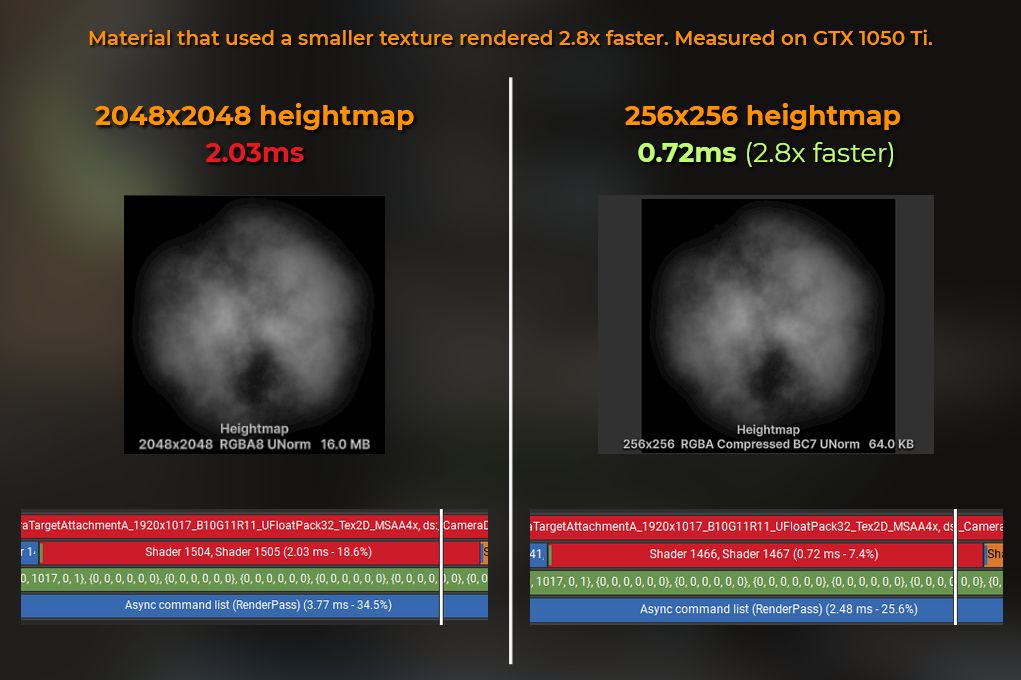
When you ask for one value from RAM, the CPU grabs a block of nearby data (a "cache line") and moves it to a faster memory, expecting you'll need that soon.
GPUs do something similar. When you sample a texture, the GPU doesn't just load the requested texel - it fetches a small block of nearby texels and stores them in fast memory (L1 or L2 cache), so future reads are quicker, as long as they are close to each other.
#01
Higher resolution equals more cache misses and less efficiency.
#02
Sample fewer textures for better speed.
#03
Mipmaps improve cache use by lowering texture detail for smaller objects.
#04
Instruction count doesn't reflect performance, like lines of code don't show function speed.
#05
Random UVs, triplanar mapping, or marching are slower than standard texturing.